
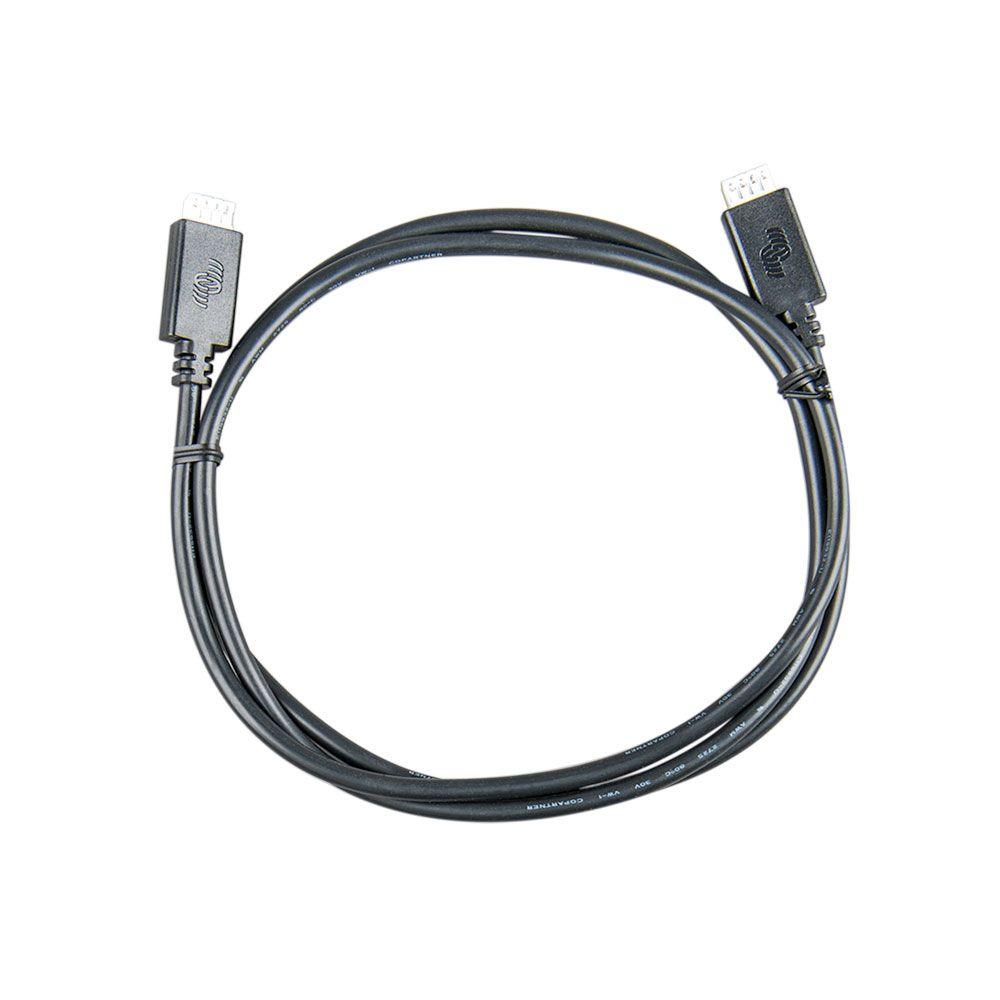
Victron VE.Direct Cable 3m
Victron VE.Direct Cable 3m
SKU:792-ASS030530230
Our stock levels are dynamic and can change frequently. If a product appears to be in stock, it may have already sold out. Please contact us if you have any questions about availability. Thank you for your understanding.
Couldn't load pickup availability
Victron VE.Direct Communication Cable 3m
Reliable Data Link | For VE.Direct Devices | MPN: ASS030530230
The Victron VE.Direct Communication Cable 3m (MPN: ASS030530230) is an essential accessory for integrating and monitoring your Victron Energy solar and power systems. This 3-metre cable provides a reliable, direct data link between compatible Victron devices, enabling seamless communication and comprehensive system oversight.
Designed for straightforward plug-and-play connectivity, it allows devices such as MPPT solar charge controllers, battery monitors, and GX devices to exchange critical information, facilitating advanced monitoring and configuration.
Essential Connectivity: Enables data exchange between Victron VE.Direct products for monitoring and control.
Key Features
| ▶ Dedicated Data Link — Establishes a secure communication channel between Victron VE.Direct enabled devices. |
| ▶ Optimal Length — A 3-metre cable provides flexibility for various installation layouts within your system. |
| ▶ Broad Compatibility — Works with all Victron BlueSolar and SmartSolar MPPT Charge Controllers featuring a VE.Direct port. |
| ▶ System Integration — Connects Victron battery monitors to GX devices like the Colour Control GX or Cerbo GX for comprehensive data display. |
| ▶ Reliable Performance — Ensures stable and accurate data transfer for effective system monitoring and control. |
Technical Specifications
| Parameter | Value |
|---|---|
| Manufacturer | Victron Energy |
| Product Type | VE.Direct Communication Cable |
| Model / MPN | ASS030530230 |
| Cable Length | 3 metres |
| Connector Type | VE.Direct (proprietary) |
Typical Applications
| Application | Description |
|---|---|
| Solar Charge Controller Monitoring | Connects Victron MPPT solar charge controllers to display units, GX devices, or other monitoring solutions. |
| Battery Monitor Integration | Links Victron BMV battery monitors or SmartShunts to system controllers for comprehensive battery data. |
| Off-Grid & Marine Systems | Essential for establishing reliable communication in remote, mobile, or marine power setups. |
| System Expansion | Facilitates the integration of multiple VE.Direct devices into a larger Victron energy system. |
Common Questions
What is the Victron VE.Direct Cable used for?
The VE.Direct Cable is used to establish a data communication link between two Victron Energy products that feature a VE.Direct communication port. This enables monitoring, configuration, and data exchange within your solar or power system.
Which Victron devices are compatible with this cable?
This 3m VE.Direct cable is compatible with a wide range of Victron Energy products, including all BlueSolar and SmartSolar MPPT Charge Controllers, BMV-70x series battery monitors, SmartShunts, Phoenix Inverters with a VE.Direct port, and GX devices like the Colour Control GX or Cerbo GX.
Can I extend the length of a VE.Direct cable?
Victron Energy offers VE.Direct cables in various standard lengths, up to 10 metres. For optimal reliability and to ensure stable data communication, it is generally recommended to use the appropriate standard length cable rather than attempting to extend it.
Is this cable required if my Victron device has Bluetooth?
While many Victron SmartSolar devices have built-in Bluetooth for local monitoring via the VictronConnect app, a physical VE.Direct cable is often required for direct communication with GX devices (like a Cerbo GX) or other non-Bluetooth VE.Direct accessories for integrated system monitoring and control.
Installation Notes
- Ensure both Victron devices have a compatible VE.Direct communication port.
- Carefully align the connectors before pushing them into the ports to prevent damage.
- Route the cable to avoid excessive bending, pinching, or strain, which could affect performance.
- Keep communication cables separate from high-voltage DC or AC power cables to minimise potential interference.
- Verify that the cable is securely connected at both ends for a stable data link.
Before You Buy
- Confirm that both your Victron devices require a VE.Direct cable for communication.
- Measure the distance between the devices to ensure the 3-metre length is suitable for your installation.
- Check your device manuals for specific connection requirements or limitations.
- Consider if a straight or right-angle connector version is more appropriate for your installation space (this product is a straight connector cable).
Always verify product specifications and compatibility with your existing system components before purchase. All information is based on manufacturer data and common usage.
Share
