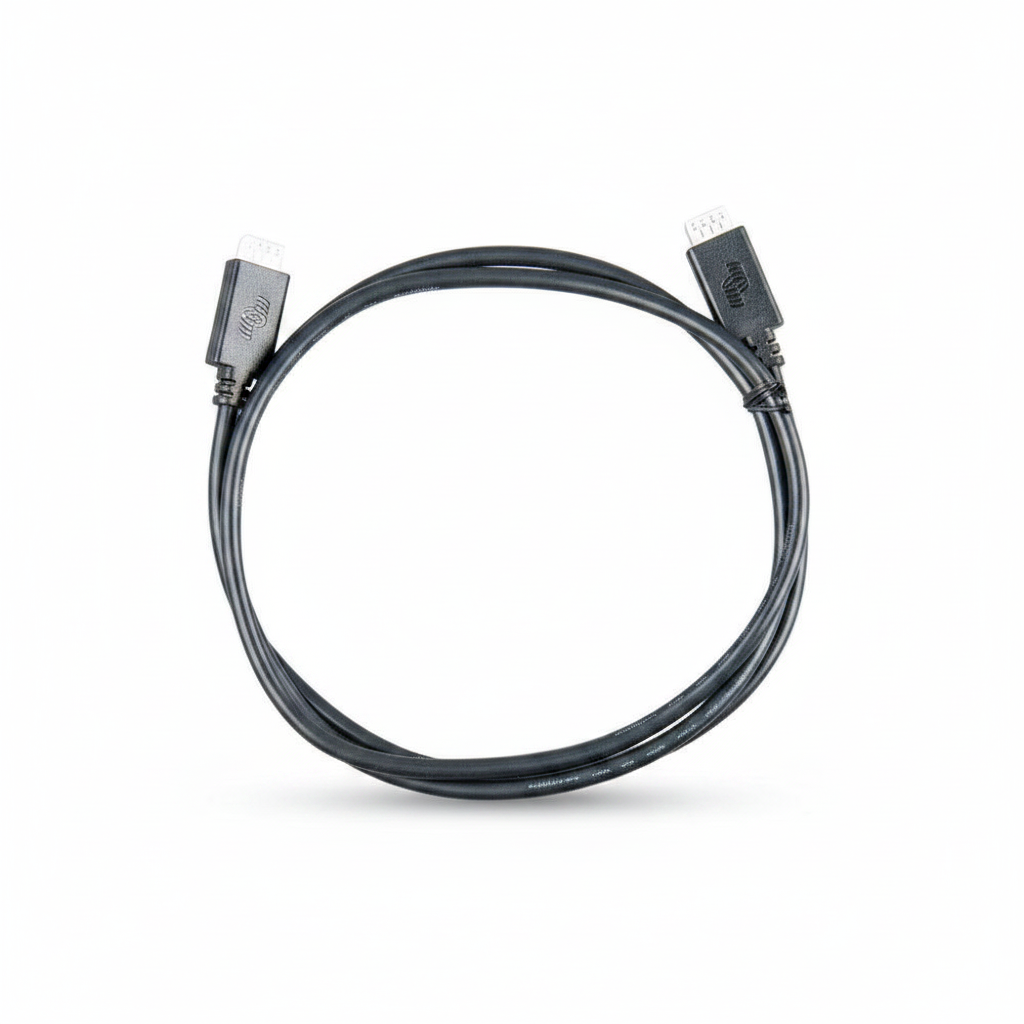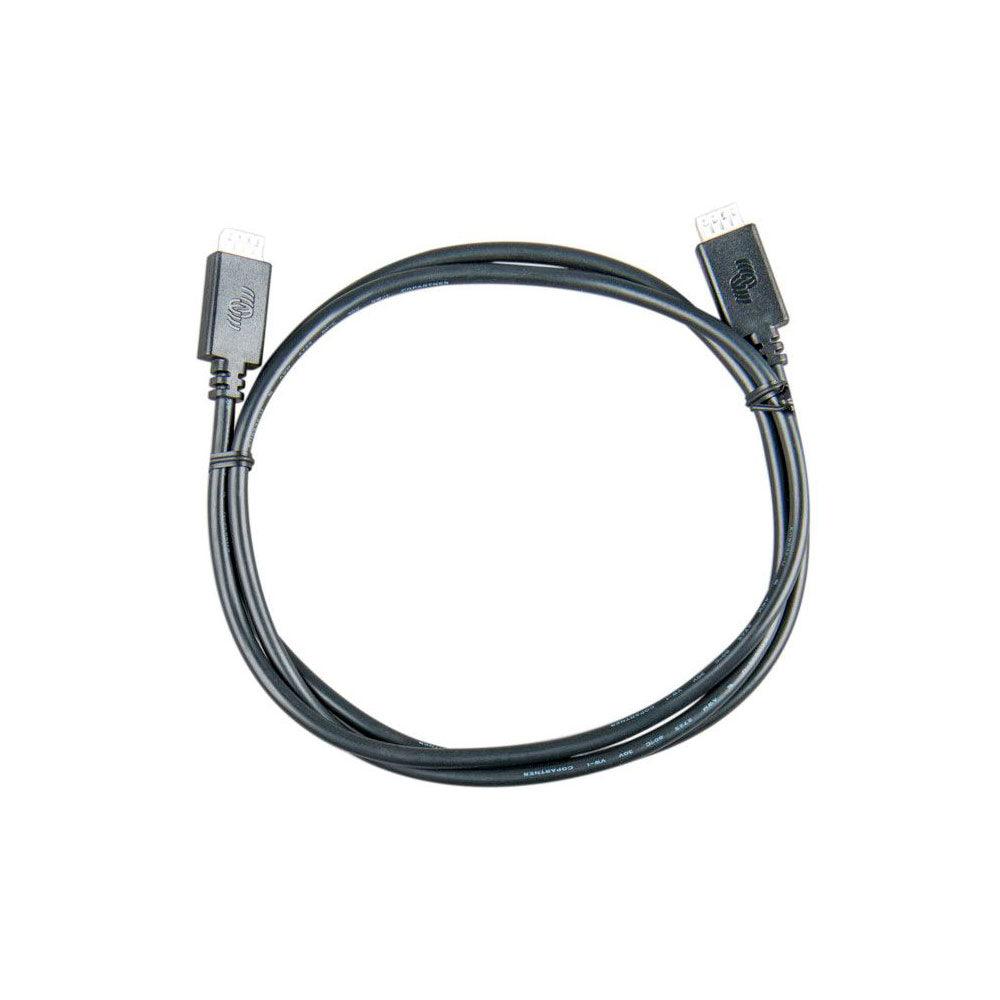


Victron VE.Direct Cable 1.8m
Victron VE.Direct Cable 1.8m
SKU:792-ASS030530218
Our stock levels are dynamic and can change frequently. If a product appears to be in stock, it may have already sold out. Please contact us if you have any questions about availability. Thank you for your understanding.
Couldn't load pickup availability
Victron VE.Direct Communication Cable
1.8 Metres | For VE.Direct Devices | Model: ASS030530218
The Victron VE.Direct Cable 1.8m (model ASS030530218) is an essential accessory for establishing reliable communication between compatible Victron Energy devices. This dedicated data cable facilitates seamless data exchange, enabling comprehensive monitoring and control within your solar or off-grid power system.
Designed for straightforward integration, this 1.8-metre cable ensures that your Victron MPPT solar charge controllers, battery monitors, and GX devices can communicate effectively, providing critical system insights and enabling advanced functionalities.
ESSENTIAL ACCESSORY: Enables data exchange between compatible Victron VE.Direct devices for monitoring and control.
Key Features
| ▶ Dedicated Communication Link — Provides a stable and secure connection for Victron VE.Direct devices. |
| ▶ Optimal 1.8m Length — Suitable for standard installations, offering flexibility without excessive cable length. |
| ▶ Wide Compatibility — Connects to any Victron Energy product equipped with a VE.Direct communication port. |
| ▶ Genuine Victron Product — Ensures reliable performance and seamless integration within your Victron system. |
| ▶ Straight Connectors — Features standard straight VE.Direct connectors on both ends for easy plug-and-play setup. |
Technical Specifications
| Parameter | Value |
|---|---|
| Manufacturer | Victron Energy |
| Product Name | VE.Direct Cable |
| Part Number (SKU) | ASS030530218 |
| Cable Length | 1.8 metres (approx. 5.9 ft) |
| Connector Type | VE.Direct (straight on both ends) |
| Interface | VE.Direct Protocol |
Typical Applications
| Application | Description |
|---|---|
| MPPT to GX Device | Connects Victron SmartSolar or BlueSolar MPPT charge controllers to a Cerbo GX or Colour Control GX for comprehensive solar data monitoring. |
| Battery Monitor to GX Device | Links Victron BMV battery monitors or SmartShunts to a GX device to display battery state of charge, voltage, and current. |
| Inverter to GX Device | Connects compatible Victron Phoenix Inverters with a VE.Direct port to a GX device for inverter status and control. |
Common Questions
What is the Victron VE.Direct cable used for?
The VE.Direct cable is used for serial communication between Victron Energy devices that feature a VE.Direct port. It enables the exchange of data for monitoring, configuration, and control within a Victron power system.
Which Victron devices are compatible with this cable?
This cable is compatible with all Victron Energy products that have a VE.Direct communication port. This includes many models of BlueSolar and SmartSolar MPPT charge controllers, BMV battery monitors, SmartShunts, Phoenix Inverters VE.Direct, and GX devices like the Cerbo GX or Colour Control GX.
Can I extend a VE.Direct cable?
Victron Energy generally recommends using official VE.Direct cables of appropriate length rather than extending them with generic solutions, as this can lead to communication issues. Longer official VE.Direct cables are available if a greater distance is required.
Is the VE.Direct protocol bi-directional?
Yes, the VE.Direct protocol supports bi-directional communication. While devices periodically transmit data in "text-mode" for easy monitoring, it can also switch to "HEX-mode" to allow for changing settings and more advanced control.
Installation Notes
- Ensure both ends of the VE.Direct cable are securely connected to the correct VE.Direct ports on your compatible Victron devices.
- Route the cable carefully, avoiding sharp bends, kinks, or excessive tension that could damage the internal wiring.
- Where possible, separate data cables from high-current DC cables, AC wiring, and strong RF sources to minimise potential interference.
- Secure the cable using appropriate cable management techniques to prevent accidental disconnections or damage.
Before You Buy
- Verify Compatibility: Confirm that your Victron Energy devices feature a VE.Direct communication port.
- Check Length Requirement: Measure the distance between the devices you intend to connect to ensure the 1.8m cable is suitable for your installation.
- Consider Alternatives: If a longer distance is required, consider purchasing a longer official Victron VE.Direct cable (e.g., 3m, 5m, 10m) rather than attempting to extend this cable.
Always refer to the manufacturer's documentation for specific product compatibility and installation guidelines. Specifications are subject to change without notice.
Share