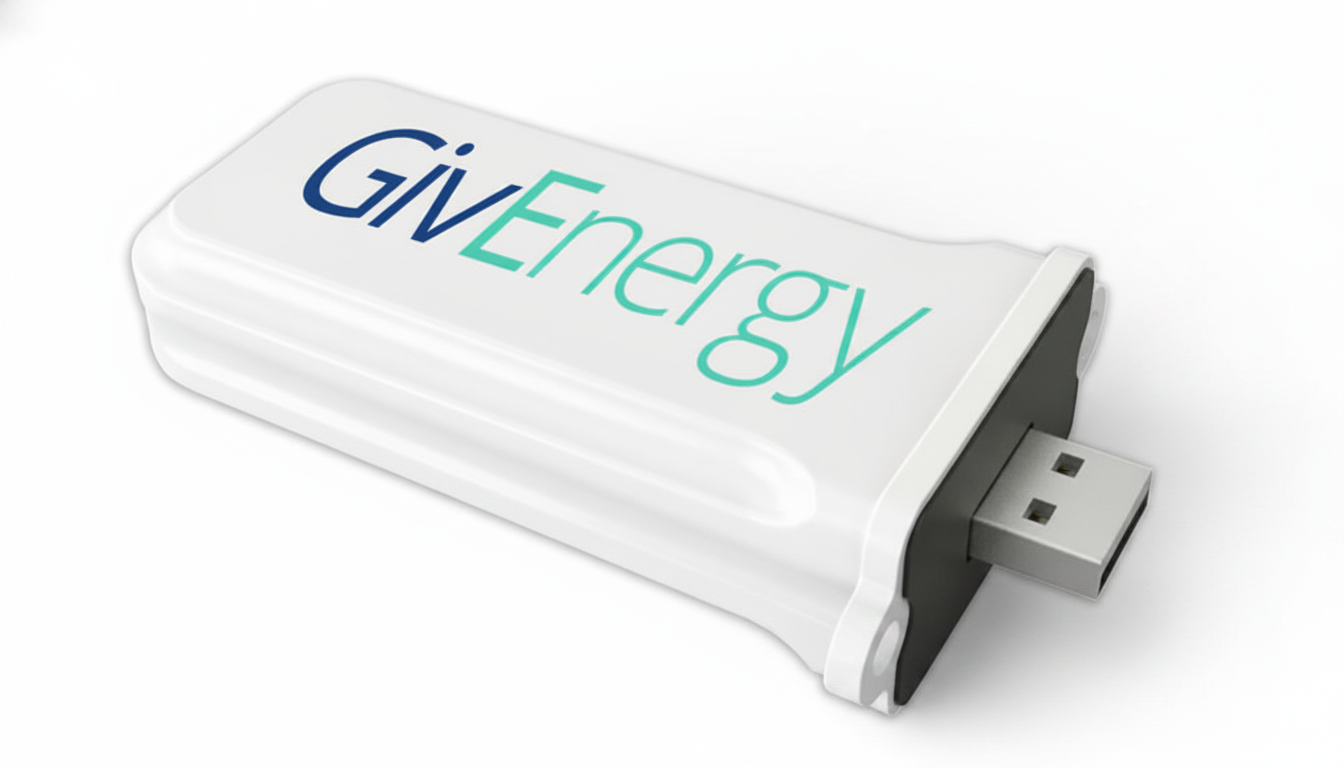
GivEnergy Wi-Fi Monitoring Dongle for Hybrid & AC Inverters GIV-WIFI-DONGLE IP65
GivEnergy Wi-Fi Monitoring Dongle for Hybrid & AC Inverters GIV-WIFI-DONGLE IP65
SKU:GIV-WIFI-DONGLE
Our stock levels are dynamic and can change frequently. If a product appears to be in stock, it may have already sold out. Please contact us if you have any questions about availability. Thank you for your understanding.
Couldn't load pickup availability
GIVENERGY MONITORING ACCESSORY
GivEnergy WiFi Monitoring Dongle GIV-WIFI-DONGLE
IP65 Rated | Real-time Data | Inverter Connectivity
The GivEnergy WiFi Monitoring Dongle (GIV-WIFI-DONGLE) is an essential accessory designed for seamless data logging and remote monitoring of compatible GivEnergy Hybrid and AC Coupled inverters. This robust, IP65-rated device plugs directly into your inverter's USB port, enabling it to transmit performance data to the GivEnergy cloud platform.
By providing continuous internet connectivity, the GIV-WIFI-DONGLE allows users to access real-time system insights and historical data via the intuitive GivEnergy iOS and Android applications. Crucially, maintaining active internet connectivity through this dongle is often a requirement for upholding the manufacturer's warranty on your GivEnergy energy storage system.
Key Features
- ▶ Real-time monitoring via GivEnergy App & Portal
- ▶ Automatic 5-minute data logging intervals
- ▶ Robust IP65 weatherproof enclosure
- ▶ Simple plug-and-play USB installation
- ▶ Supports remote system diagnostics and updates
- ▶ Essential for maintaining manufacturer's warranty
Technical Specifications
| Model Number | GIV-WIFI-DONGLE |
| Interface | USB (4-Pin) |
| Wireless Frequency | 2.4 GHz |
| WiFi Standard | IEEE 802.11b/g/n |
| Ingress Protection | IP65 Rated |
| Security Protocols | WPA/WPA2-PSK |
| Data Logging Interval | Every 5 Minutes |
Inverter Compatibility Guide
| Inverter Series | Version/Generation | Notes |
|---|---|---|
| AC Coupled Inverter | All Versions | Required for external monitoring and data upload. |
| Hybrid Inverter | Generation 1 | Plugs into the dedicated USB port on the underside. |
| Hybrid Inverter | Generation 2 / 3 | Can be used as a replacement or alternative to built-in WiFi if needed. |
OEM Cross Reference
| Manufacturer Part Number (MPN) | GIV-WIFI-DONGLE |
| Manual Reference Code | 422636971 |
| Compatible Serial Prefixes | WF, WO, WZ, WE |
Common Questions
Is this a genuine original part?
Yes, this is the official GivEnergy monitoring hardware, specifically designed and manufactured for use with their range of solar inverters and battery storage systems.
How do I know if it is compatible with my inverter?
The GIV-WIFI-DONGLE is compatible with GivEnergy Generation 1 Hybrid inverters and all AC Coupled inverters that feature a USB port for external communication. Please check your inverter's specifications or physical ports to confirm compatibility.
Does this dongle support 5GHz WiFi networks?
This dongle operates on the 2.4GHz WiFi frequency band. During initial setup, it is recommended to ensure your mobile device is connected to a 2.4GHz SSID or temporarily disable the 5GHz band on your router to ensure a stable connection.
Is the dongle required for my inverter's warranty?
For many GivEnergy systems, continuous internet connectivity and data logging via a monitoring device like this WiFi dongle are specified as requirements to maintain the full manufacturer's warranty. Always refer to your inverter's specific warranty terms and conditions.
Installation Notes
The GivEnergy WiFi Dongle is designed for straightforward installation. Simply plug the dongle into the designated USB port on your compatible GivEnergy inverter. Ensure it is securely fastened to maintain the IP65 weather seal, particularly if the inverter is installed outdoors or in a damp environment.
Once connected, follow the instructions within the GivEnergy App or online portal to configure the WiFi connection and begin monitoring your system's performance. For optimal signal, ensure the dongle is within range of your 2.4GHz WiFi network.
Before You Buy
Before purchasing the GivEnergy GIV-WIFI-DONGLE, please verify the following:
- ✓ Confirm your GivEnergy inverter model (e.g., Gen 1 Hybrid, AC Coupled).
- ✓ Ensure your inverter has an available USB port for the dongle.
- ✓ Check that you have a stable 2.4GHz WiFi network available at the inverter's location.
- ✓ Review your inverter's manual for specific communication requirements.
Please verify all specifications and compatibility with your existing system before purchase. Product specifications are subject to change by the manufacturer without prior notice.
Share